Client statements never leave your browser
Convert PDF Bank Statements to QBO & Verified CSV — 100% Locally
Built for bookkeepers and accountants. Extract every transaction, prove it balances to the cent, and export a QuickBooks or Xero-ready file without uploading a single byte.
- sample-business-checking.pdf3 pages · Sample statement
Try it: this sample has one misread amount. Find the highlighted row and change 1,425.00 to 1,245.00 to watch it reconcile.
Math reconciliation
Deposits & credits
$27,091.20
Withdrawals & debits
$24,268.75
Calculated$17,072.45
14,250.00 + 27,091.20 − 24,268.75 = 17,072.45
Transactions
Every cell is editable
| Status | Date | Type | Check # | Payee / Description | Amount | Running Balance | Row actions |
|---|---|---|---|---|---|---|---|
| Verified | 17,434.20 | ||||||
| Verified | 9,021.84 | ||||||
| Needs review: Running balance off by 180.00 — check this amount | 10,446.84PDF: 10,266.84 | ||||||
| Verified | 8,596.84 | ||||||
| Verified | 6,280.36 | ||||||
| Verified | 8,391.01 | ||||||
| Verified | 15,891.01 | ||||||
| Verified | 11,691.01 | ||||||
| Verified | 12,331.01 | ||||||
| Verified | 12,241.01 | ||||||
| Verified | 15,117.41 | ||||||
| Verified | 14,391.91 | ||||||
| Verified | 16,324.09 | ||||||
| Verified | 15,911.22 | ||||||
| Verified | 16,771.22 | ||||||
| Verified | 19,812.97 | ||||||
| Verified | 19,129.68 | ||||||
| Verified | 20,257.68 | ||||||
| Verified | 19,111.68 | ||||||
| Verified | 16,611.68 | ||||||
| Verified | 19,000.58 | ||||||
| Verified | 17,158.33 | ||||||
| Verified | 17,162.45 | ||||||
| Verified | 17,090.45 | ||||||
| Verified | 17,072.45 |
25 transactions
Export QuickBooks Web Connect
Not balanced yet — you can still export, but review flagged rows first.
How it works
From statement PDF to a clean import
No accounts, no uploads, no waiting on a server queue.
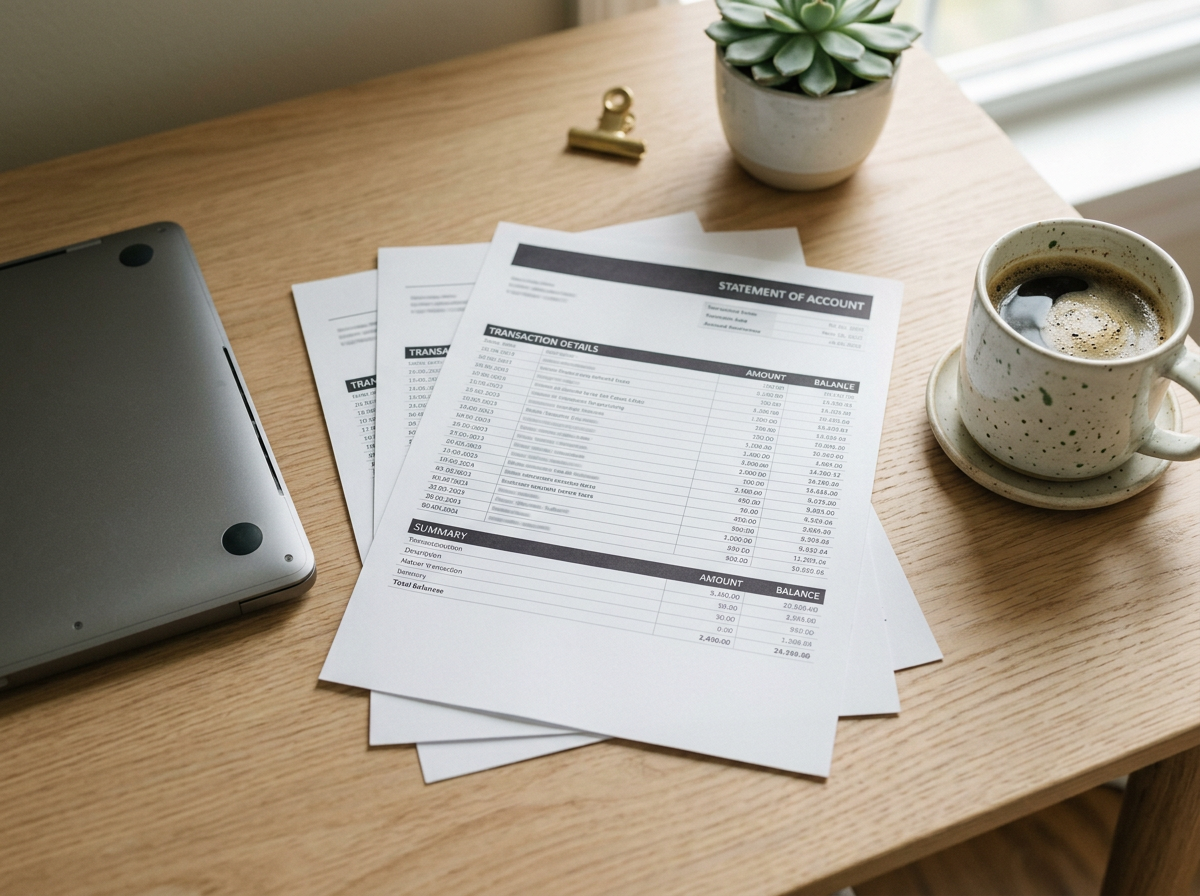
Drop the original PDF
pdf.js reads the text layer right in your browser and lines up dates, payees, amounts, and running balances by their position on the page.

Every cent gets checked
Each row is tested against the running balance the bank printed, and the whole statement has to satisfy the closing-balance equation.

Export a file that imports
Download QuickBooks Web Connect .QBO, a 3- or 4-column CSV for QuickBooks or Xero, or a two-tab Verified Ledger workbook.
Math verification
Proven arithmetic, not a confident guess
AI converters can invent a digit and never tell you. statements2qbo works in integer cents and checks the result against the bank's own numbers — so if one row is off, you see exactly which one and by how much.
- Row by row against the running balance the bank printed
- Statement-wide: Opening + Deposits − Withdrawals = Closing
- Credit cards: Previous + Charges − Payments = New balance
- Opening balance
- 14,250.00
- Deposits & credits
- +26,911.20
- Withdrawals & debits
- −24,268.75
- Calculated closing
- 16,892.45
- Statement closing
- 16,892.45

Security
Client confidentiality, built in from line one
Bank statements are some of the most sensitive documents your clients hand you. They should never sit on a stranger's server.
No server to send to
There is no upload endpoint. Parsing and file generation run in JavaScript inside your tab.
Works with Wi-Fi off
Load the page, disconnect, and convert. If it works offline, nothing was transmitted.
Nothing retained
No cookies, storage, or database. Closing the tab erases every transaction.
FAQ
Questions, answered
Are my bank statements uploaded to a server?
No. statements2qbo reads your PDF with pdf.js inside your browser tab and builds every export file in memory. There is no upload endpoint at all — you can load the page, disconnect from Wi-Fi, and convert statements offline to prove it.
Will the .QBO file import into QuickBooks Online and Desktop?
Yes. The exporter writes an OFX 1.02 (SGML) Web Connect file with a signon block, INTU.BID, unique FITIDs, DTPOSTED, TRNAMT, NAME, and LEDGERBAL. QuickBooks Online imports it via Banking → Upload transactions; Desktop opens it through File → Utilities → Import → Web Connect Files.
What happens if a transaction was misread from the PDF?
Every row is checked against the running balance printed on the statement. If Opening + Deposits − Withdrawals does not equal the Closing Balance, the reconciliation bar shows the exact discrepancy and highlights the suspect rows so you can fix the amount inline before exporting.
Which banks are supported?
Any text-based PDF statement: Chase, Bank of America, Wells Fargo, Citi, Capital One, American Express, US Bank, PNC, and most credit unions. Scanned image-only PDFs need OCR first because they contain no selectable text.